
Overview
When modeling data for complex data models, each Domain should have its own Scenario. Each Domain Scenario can then be chained or linked together for easy test data generation.
For example, a user wants to generate data for three Domains: Department, User, and Address. They want to create 2 departments, 25 users per department, and 1 address per user. By creating a Scenario Chain that contains these Scenarios, the user can generate data for all three Domains with a single command.
Video Training
For a quick video tutorial, please take a second to watch the video provided below:
Quick Example
A single Scenario will only generate data for one Domain. For example, let's say you have created Scenarios for the following three Domains:
- Department
- User
- Address
They appear as shown below in the Project Dashboard:
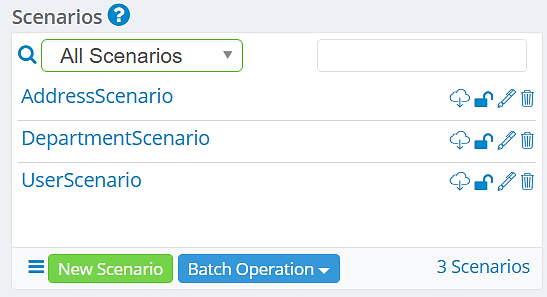
These individual Scenarios can be downloaded and run separately to generate data, but this does not meet the needs of more complex data models and is time-consuming.
All three Scenarios can be linked to form a Scenario Chain. You can then download the Scenario Chain and run it as you would a Scenario to generate test data. In doing so, the above data will be generated using a single command rather than downloading each Scenario and running the command separately for each one.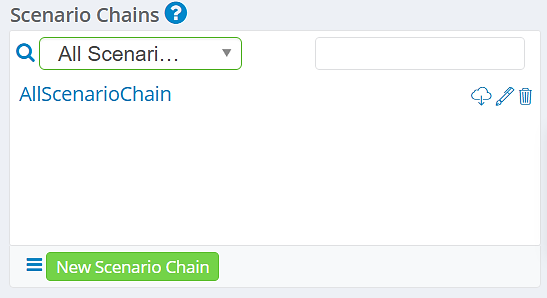
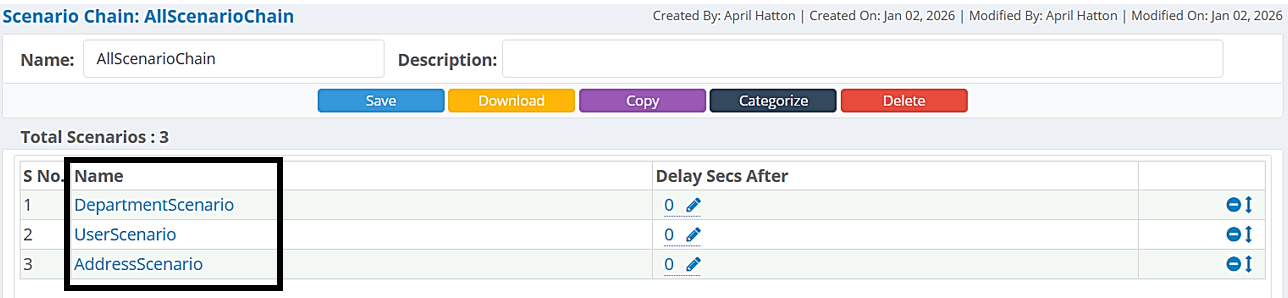
The Scenario Chain below contains each Scenario. Scenarios in a chain are run in the order displayed.
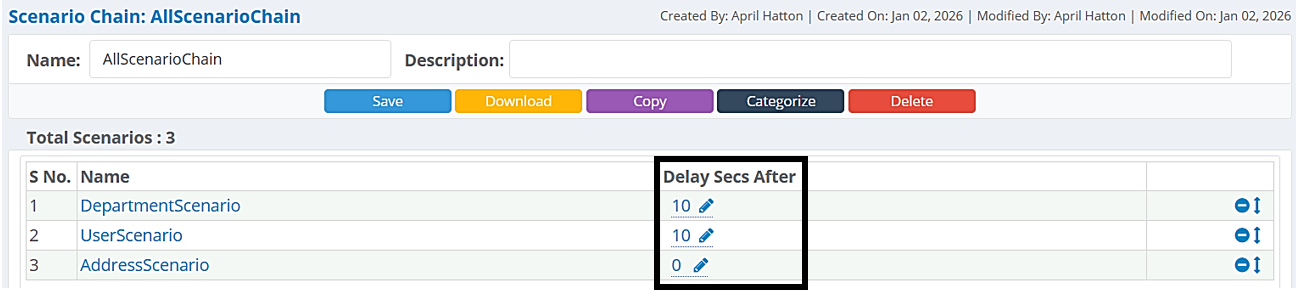
You can also configure a Delay (in seconds). The delay determines how long Runtime will wait before starting test data generation for the next Scenario in the chain.
Note: To see step by step instructions for creating a Scenario Chain, click here.
How to Generate Data with Scenario Chains
All three Scenarios will be ran when the downloaded Scenario Chain is run in the command terminal:
genrocket -r <ScenarioChainName.grs>
Example (from above)
genrocket -r AllScenarioChain.grs
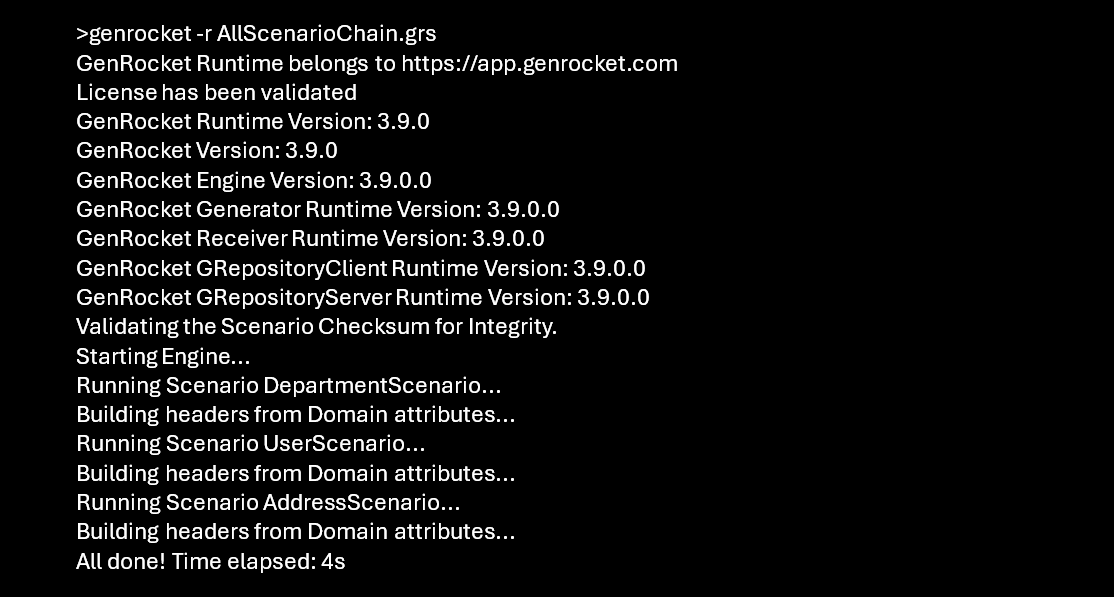
Note: To see step-by-step instructions for generating test data using Scenario Chains, click here.
The following three delimited files are created for this example:
- Department.txt
- User.txt
- Address.txt
